Getting started with the BROcademy
This quick guide will help you get started with our theoretical BROcademy. Discover how you can best prepare for your life with BRO by following the steps below and embarking on your journey.
Do you have any questions or difficulties in completing the theoretical BROcademy? We are happy to help. Simply contact us via support@scewo.com or contact your contact person directly.
Important
 Visit our website http://scewo.odoo.com/ Click the blue button to access the course. | 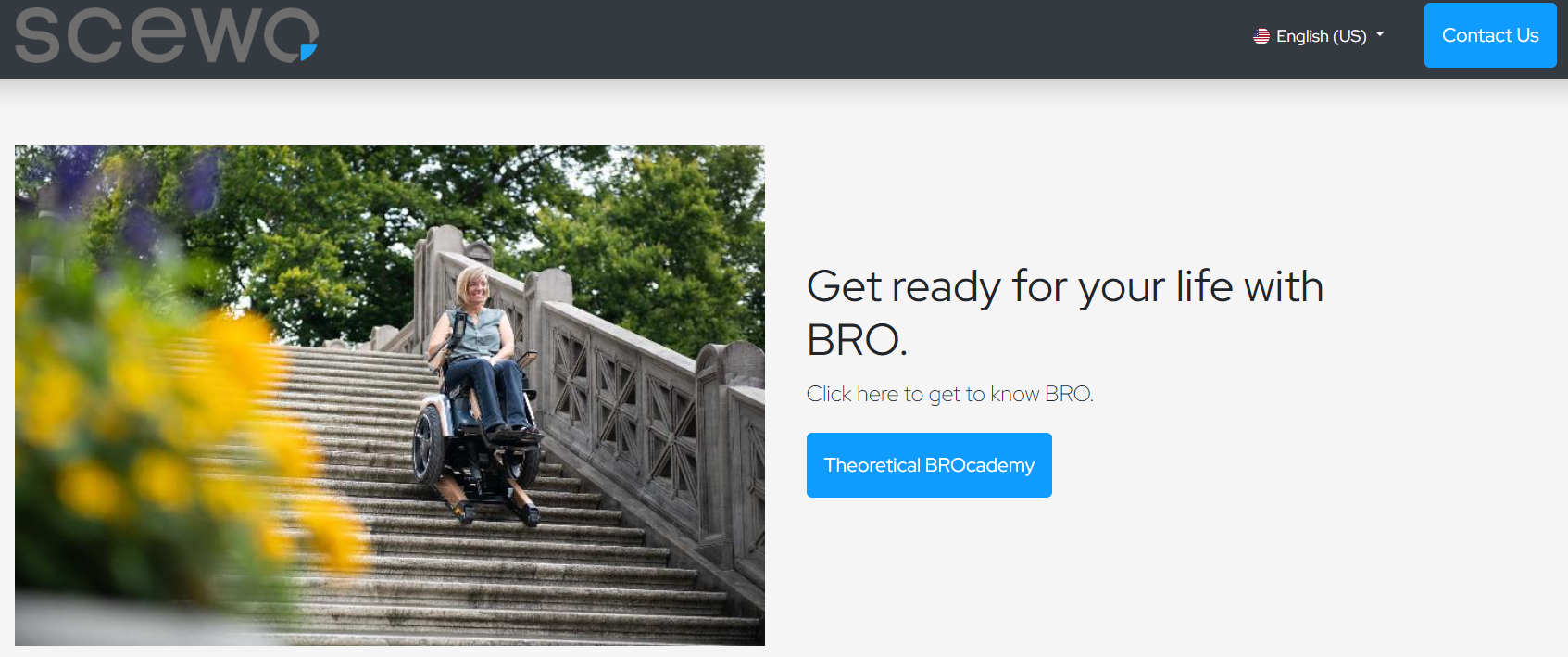 |
Important
 Choose the course "Theoretical BROcademy" | 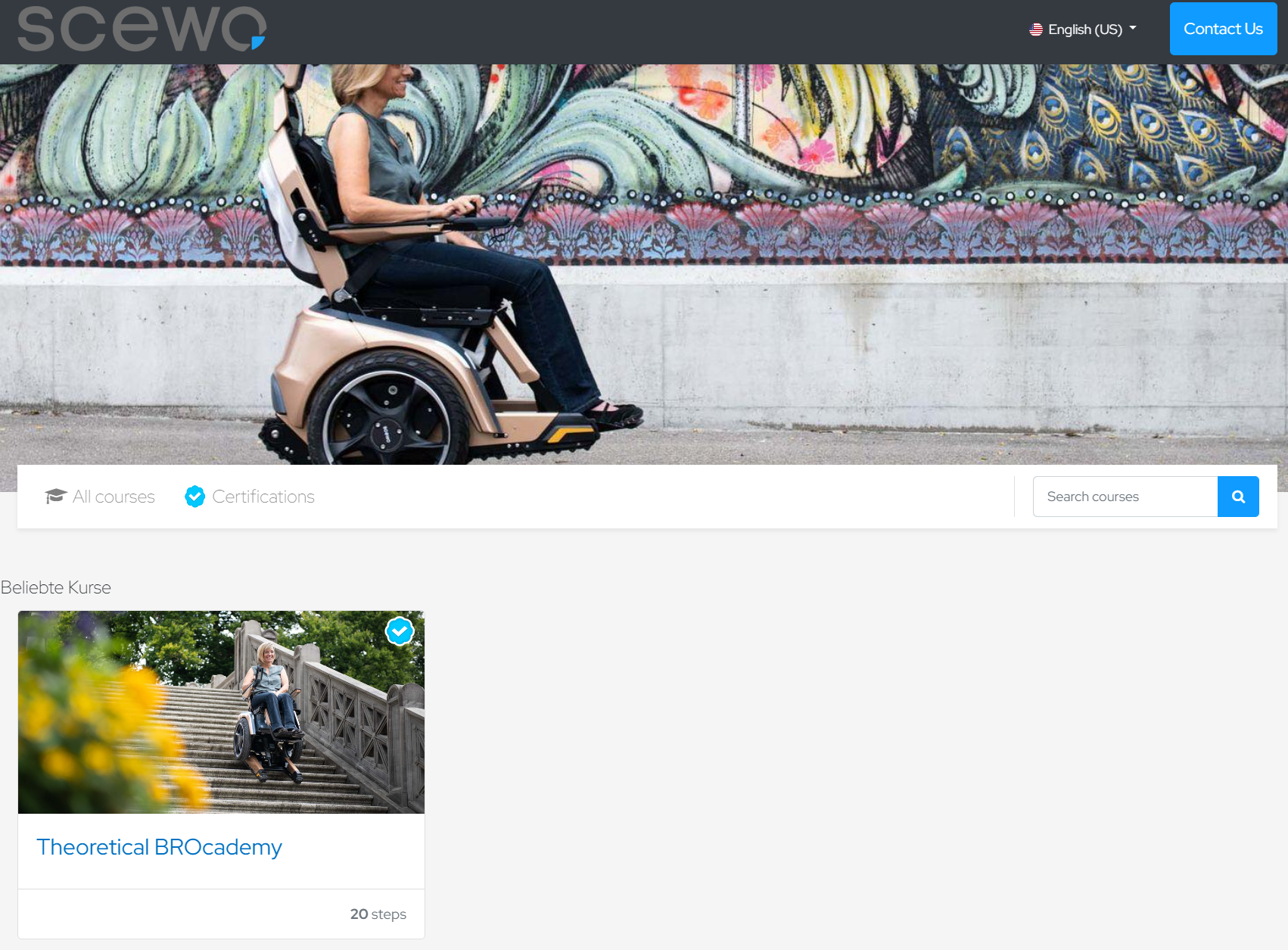 |
Important
 Press the button at the top left to participate and then register. | 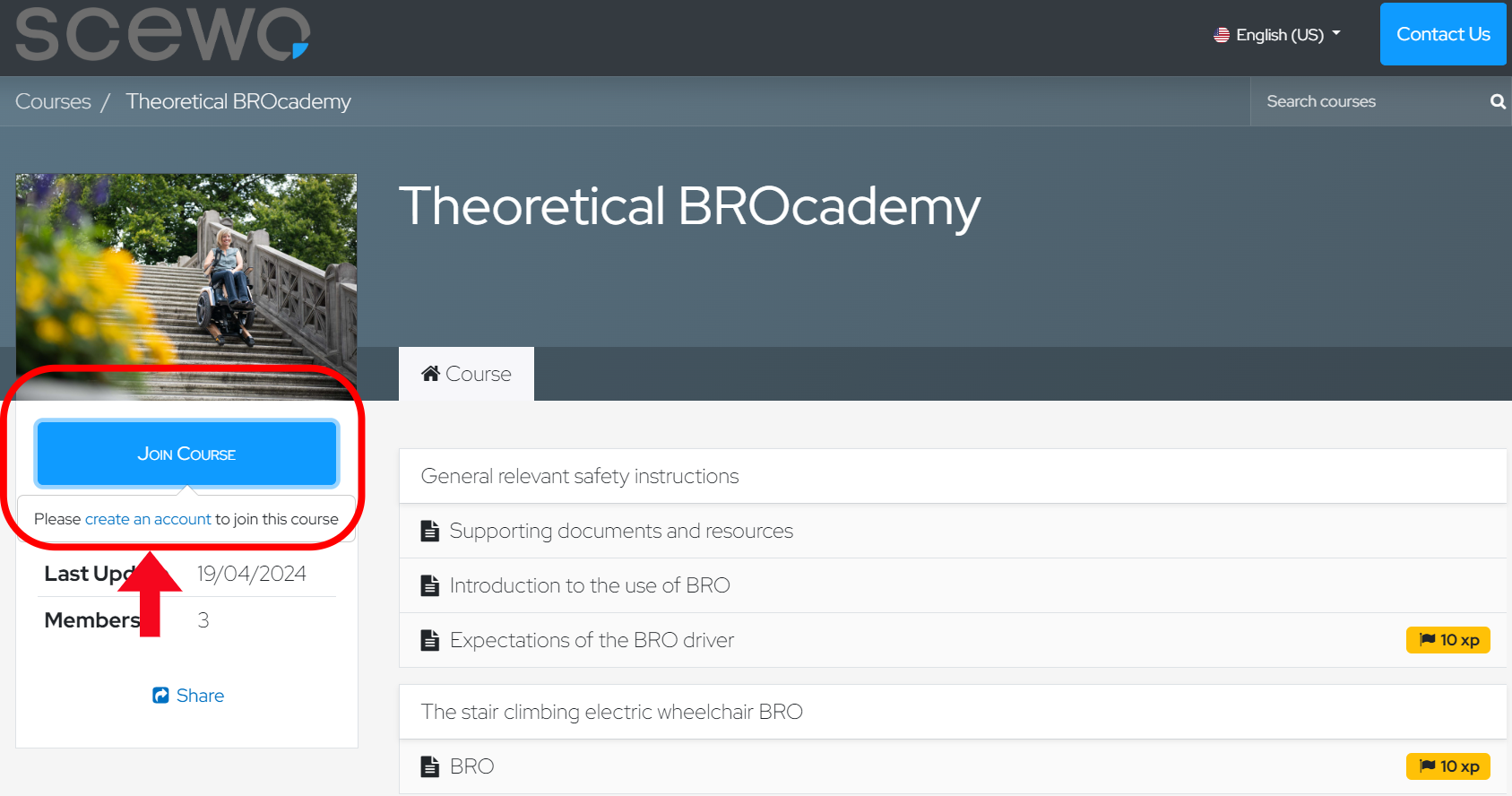 |
Important
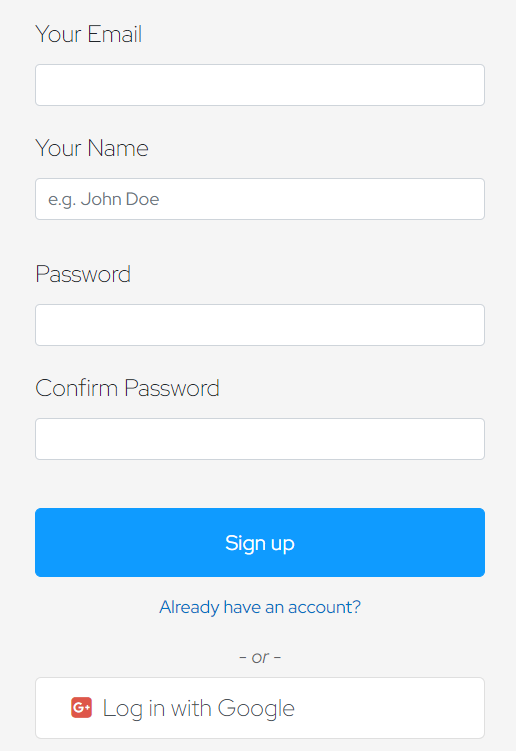
 Register with your email address and your name. |
|
Important
 Then click on the Scewo logo to return to the training from your account. You will be redirected to the start page again. |
|
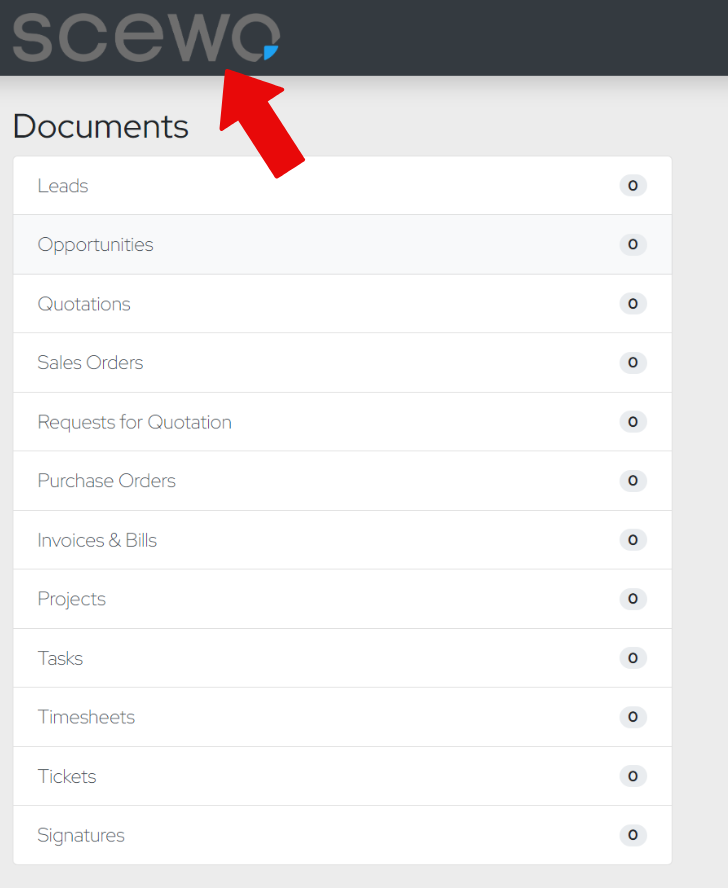
Important
 Navigate back to the course. Then enroll in the course and start by either pressing the green button or selecting the first chapter. Complete each chapter and then take the final quiz to earn your certification. | 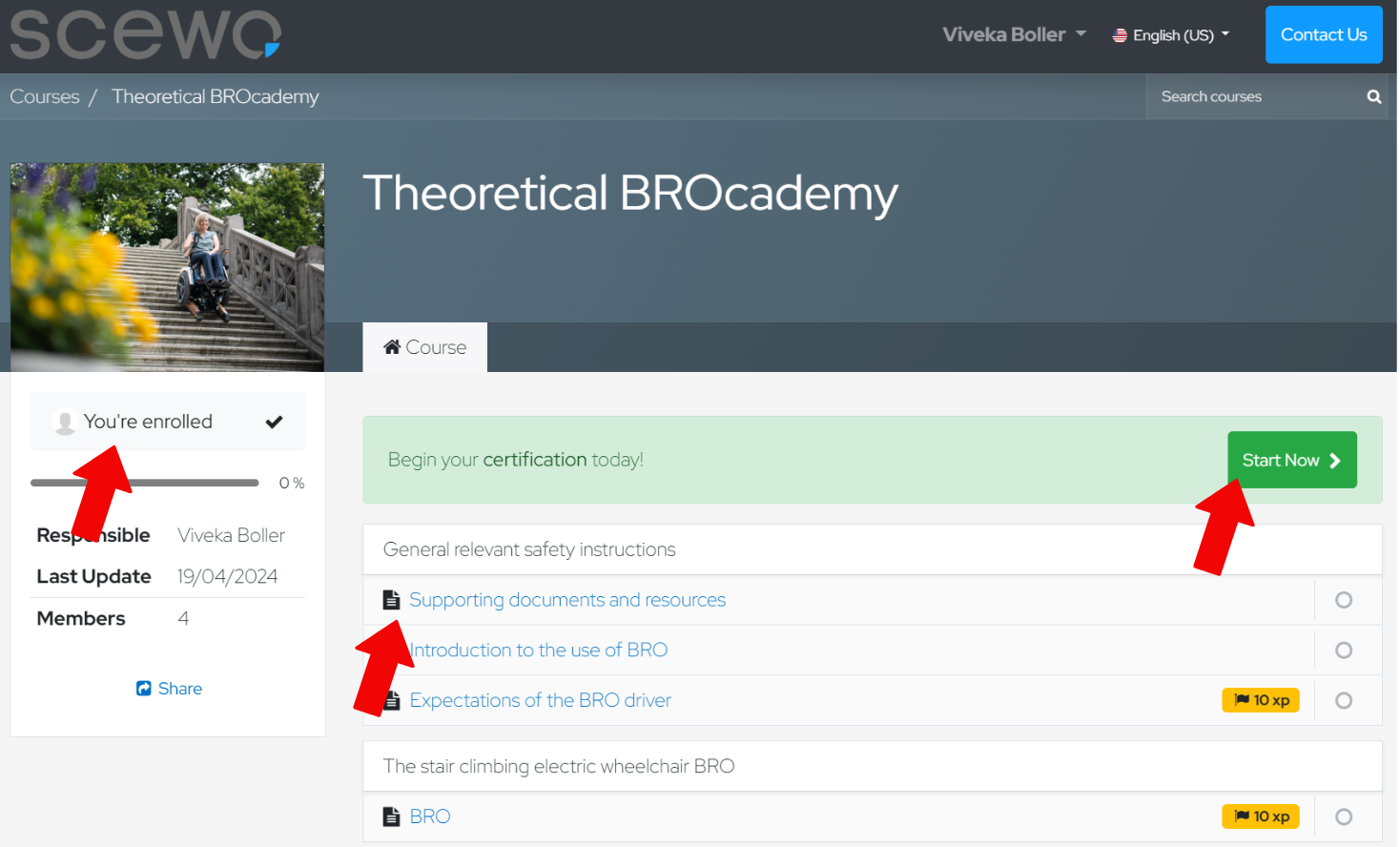 |
Tips and Tricks
Full screen mode While working on the course in full-screen mode, you can use the arrow keys on your keyboard to navigate to the next page or return to a previous page. Note that not all animations function properly in full-screen mode and not all images of the quizzes are displayed, so we recommend exiting full-screen mode. | 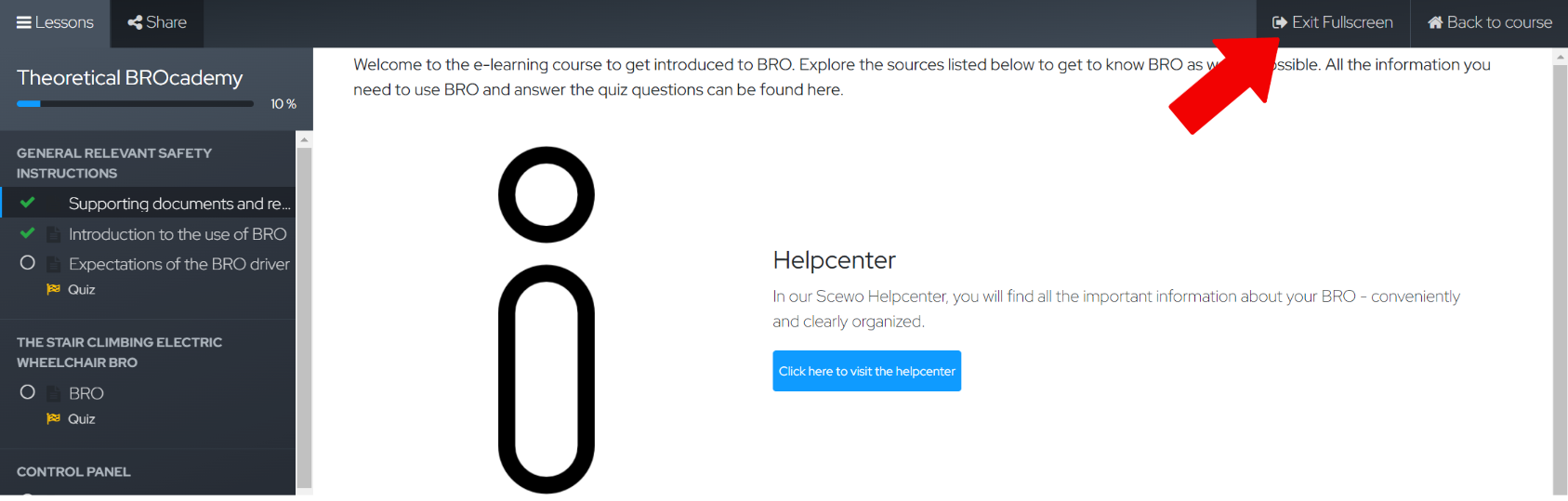 |
Windowed mode Alternatively, you can exit full-screen mode and complete the course in windowed mode. In this view, the buttons to navigate to the next page are located at the top right. | 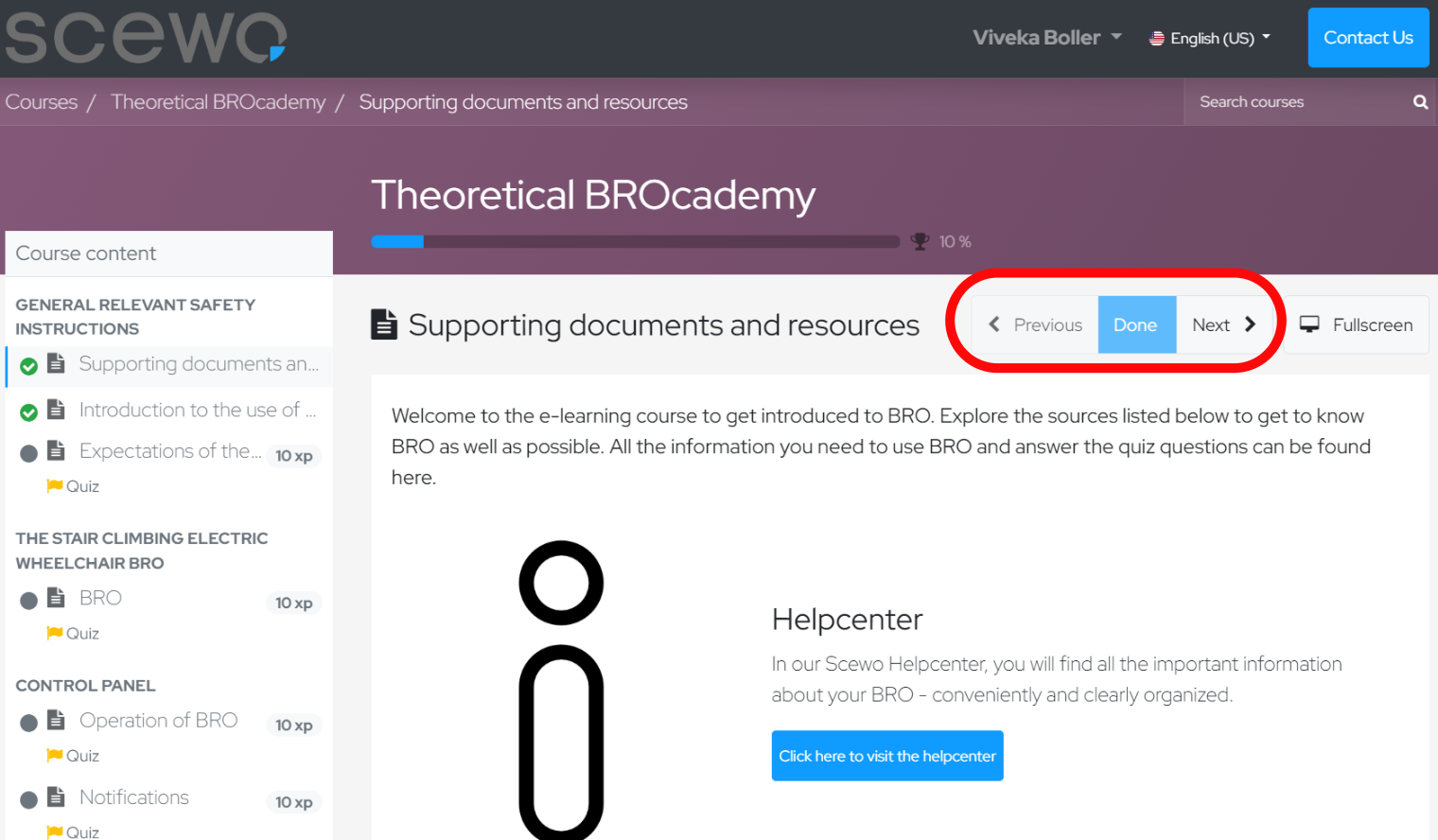 |