Manual Settings
Your wheelchair can be mechanically adapted to you, for example for different body sizes or special requirements. Here you will find out how to adjust it optimally.
Remove the cover of the Back support
Certain settings require the rear cover of the Back support to be removed. To do this, proceed as follows:
Set the Back support as upright as possible.
Remove the two knurled screws on the underside of the cover.
You can now push the cover slightly upwards, then fold it backwards and remove it.
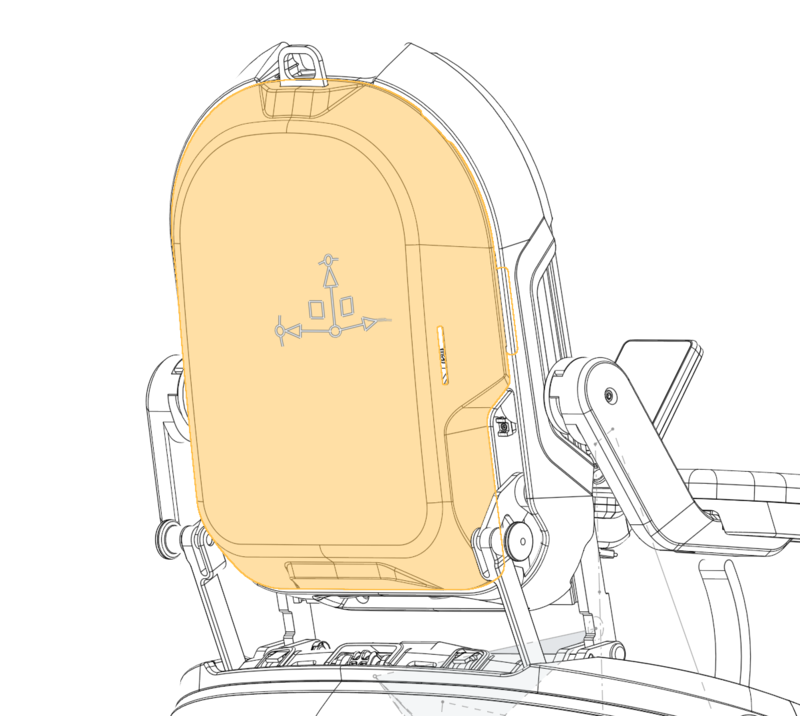 (a) Rear cover Back support | 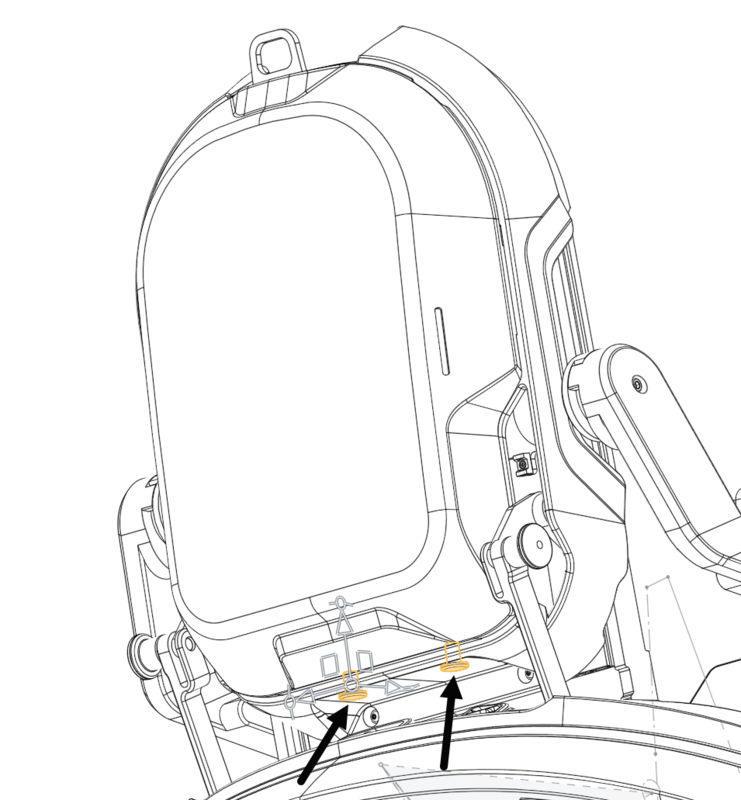 (b) Knurled screws that must be loosened to remove the cover | 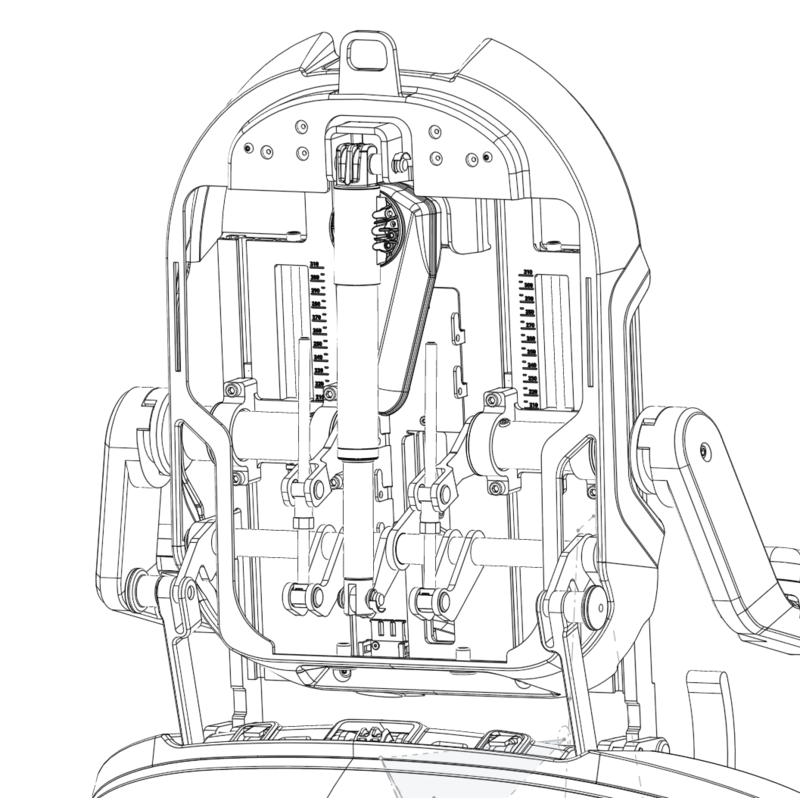 (c) View after removing the cover |
Figure 13. Remove the cover of the Back support